LeetBridge
LiveA published Chrome extension that turns accepted LeetCode solutions into an organized GitHub archive.
The problem
Saving solved problems by hand interrupts practice and produces an inconsistent archive. I built LeetBridge to capture accepted solutions, document them, and sync them to a repository the user chooses.
What I built
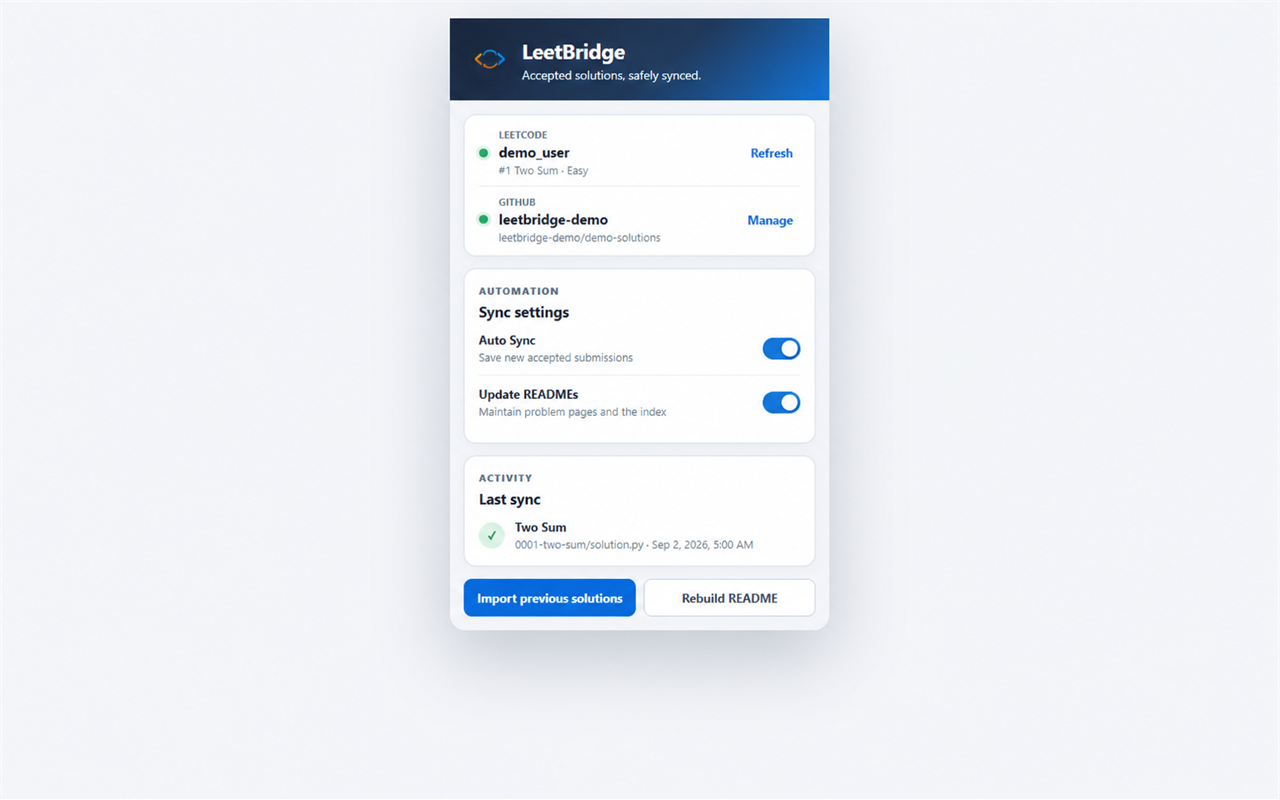
- A Manifest V3 extension. Content scripts detect accepted submissions; a background service worker validates the captured problem, language, and code before syncing.
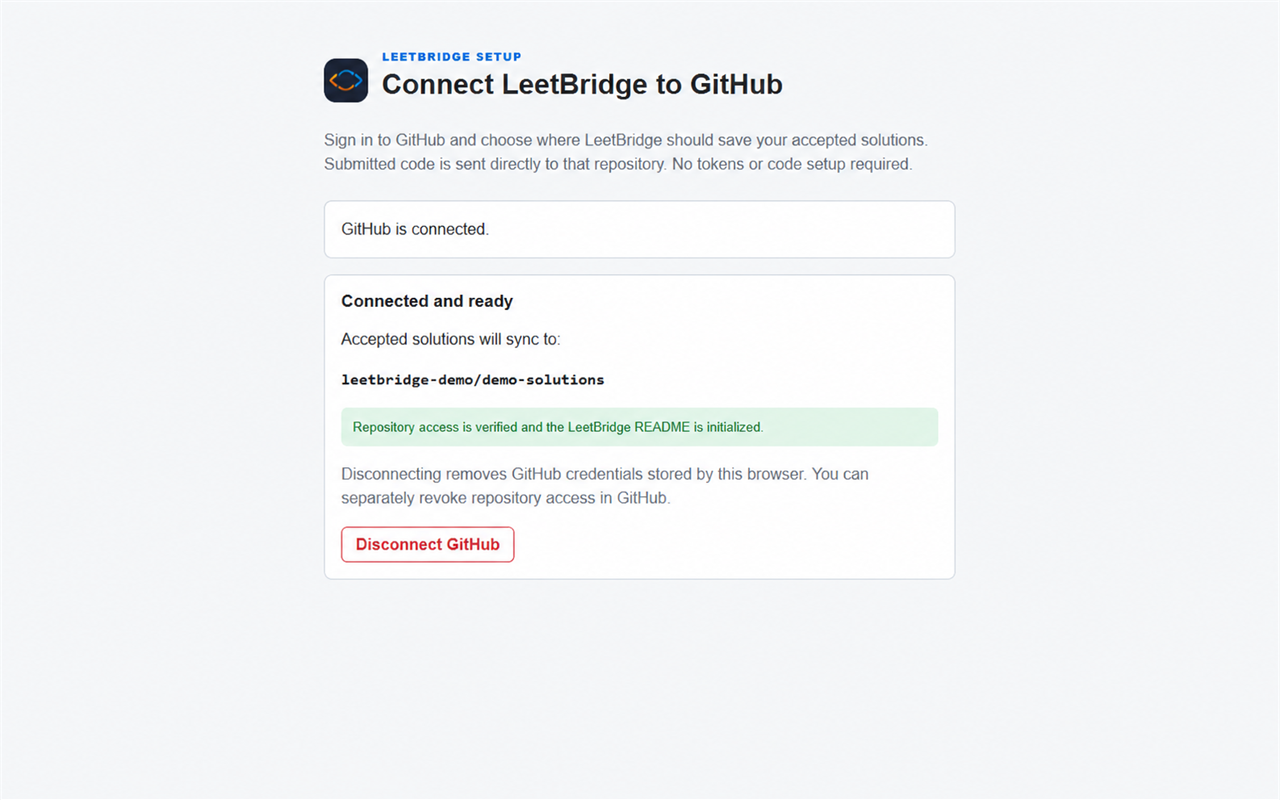
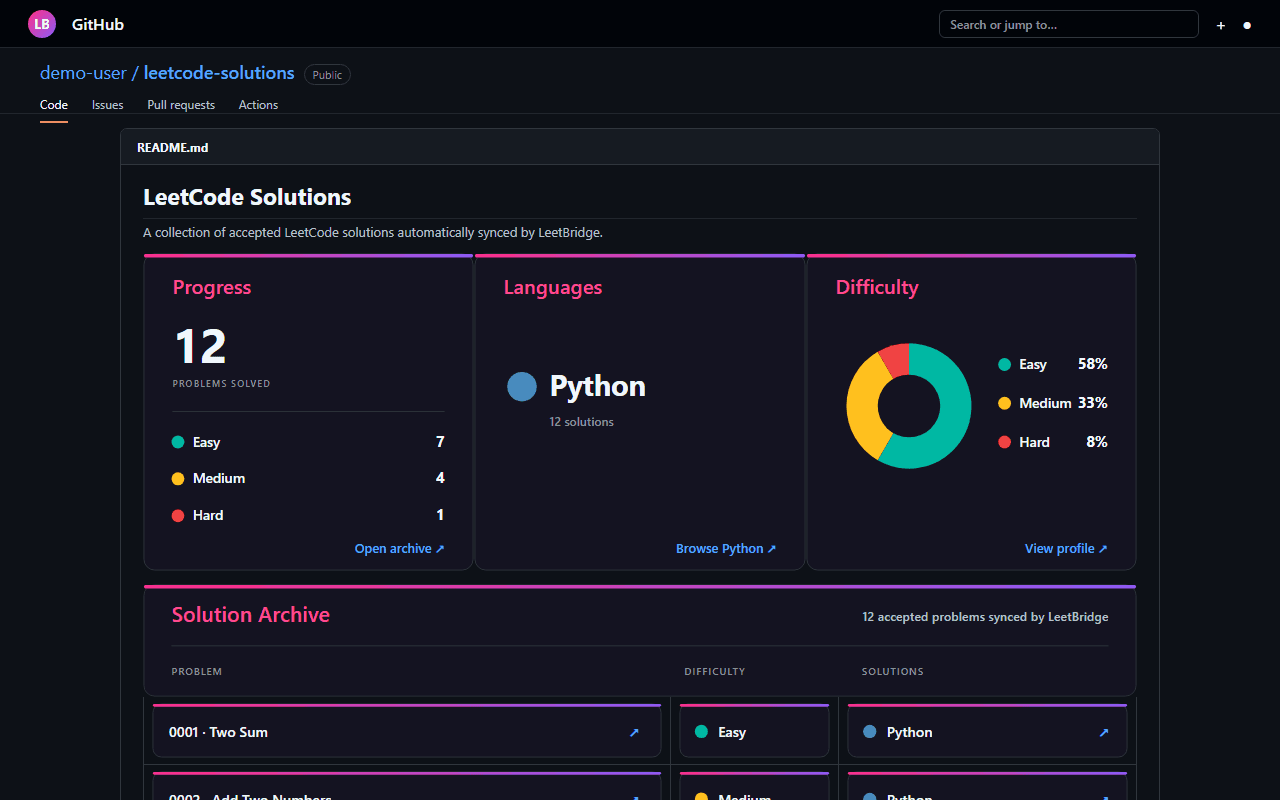
- The GitHub workflow. Guided authorization and repository setup, predictable solution folders, per-problem READMEs, and a generated progress index.
- Historical imports and the store release. Pagination, duplicate checks, pacing, retry cooldowns, and saved checkpoints support larger histories. I packaged and published the extension on Chrome Web Store.
Why I built it this way
- Let users choose the repository boundary. A GitHub App grants access to selected repositories. Optional GitHub host permission is requested during connection, keeping browser permission separate from repository authorization.
- Send code directly to GitHub. The browser talks to GitHub over HTTPS without a developer-operated backend. Credentials and settings stay in extension storage on the user's device.
- Expect the worker to stop. Manifest V3 service workers are temporary. Durable checkpoints let imports recover from restarts, closed tabs, and upstream rate limits instead of relying on in-memory progress.
What I learned
I learned extension message passing, dynamic-page data extraction, GitHub App authorization, and reliable API workflows. Shipping the store release also taught me to explain permissions, document data handling, and package updates beyond a locally loaded prototype.
Evidence & current limits
The extension is published and its source is public. Sync and import behavior still depend on LeetCode page changes, GitHub availability, and upstream rate limits.
More on extension and import boundaries
Content scripts handle page access; the service worker handles privileged API calls; the popup displays connection and sync state. Message passing separates their lifecycles. Submission data is validated rather than trusted from a single dynamic UI element.
Import pagination and checkpoints survive worker restarts. Request pacing, cooldowns, and duplicate detection constrain repeat work, while predictable paths and generated READMEs keep the resulting repository readable.
More project screens
Explore the interface. Select an image to view it at full size.