Job Tracker AI
ReleasedA desktop job tracker that uses GPT-6 Luna to classify hiring emails and GPT-5.4 mini to extract application details.
The problem
Application updates get buried in Gmail and Outlook. Automatically tracking them requires more than finding keywords: the app must distinguish hiring events, extract stated facts, and avoid changing the wrong application.
What I built
- GPT-6 Luna for classification. OpenAI Decisions checks whether an email concerns a specific application, then classifies its event as an application, assessment, interview, offer, rejection, or other update.
- GPT-5.4 mini for extraction. Responses with Structured Outputs returns company, role, requisition, explicit dates, and a source excerpt in a strict Pydantic-derived schema.
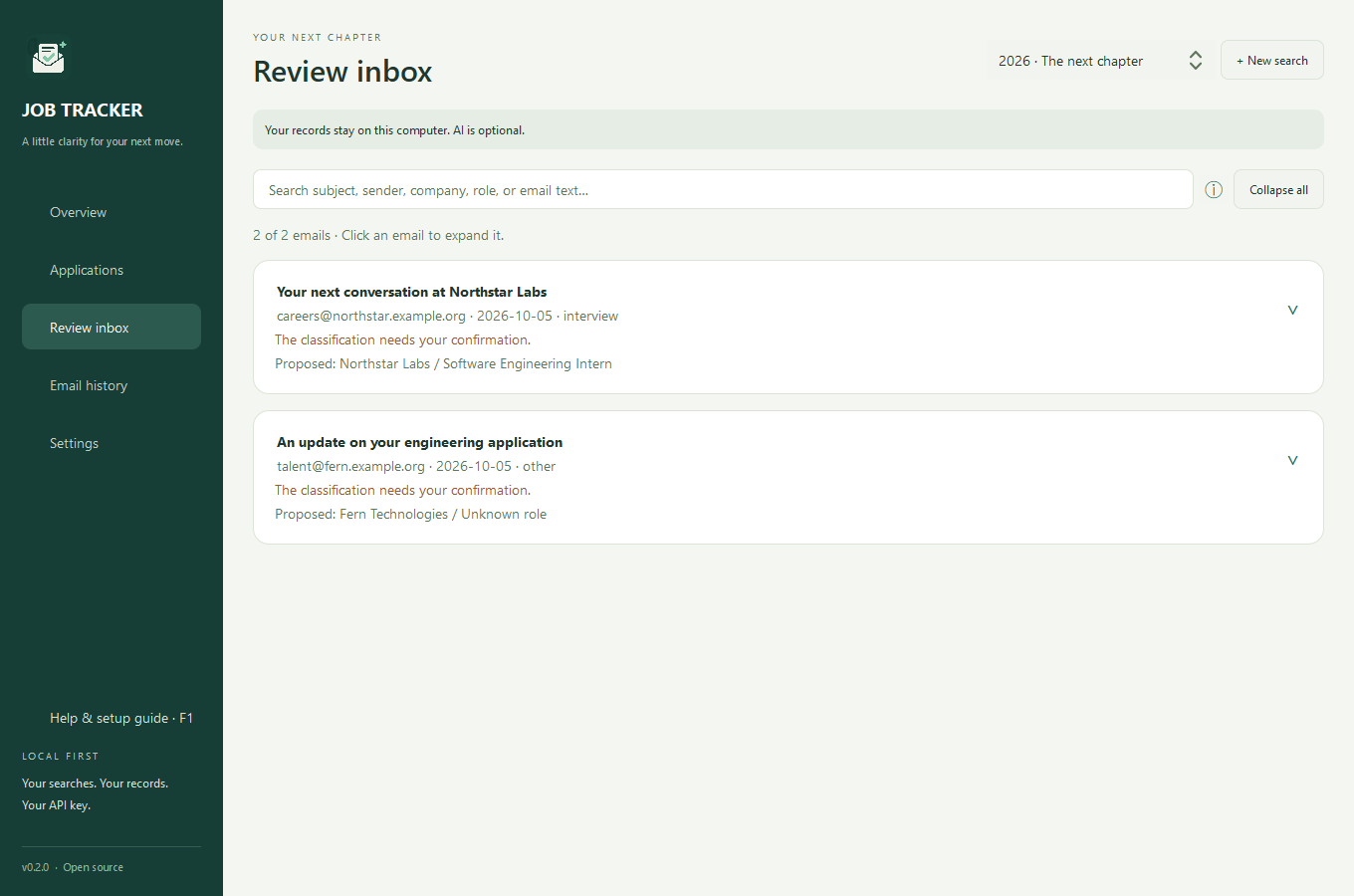
- A validation and review layer. Python checks evidence, identity, and chronology before updating SQLite. Ambiguous proposals go to human review; missing facts remain empty.
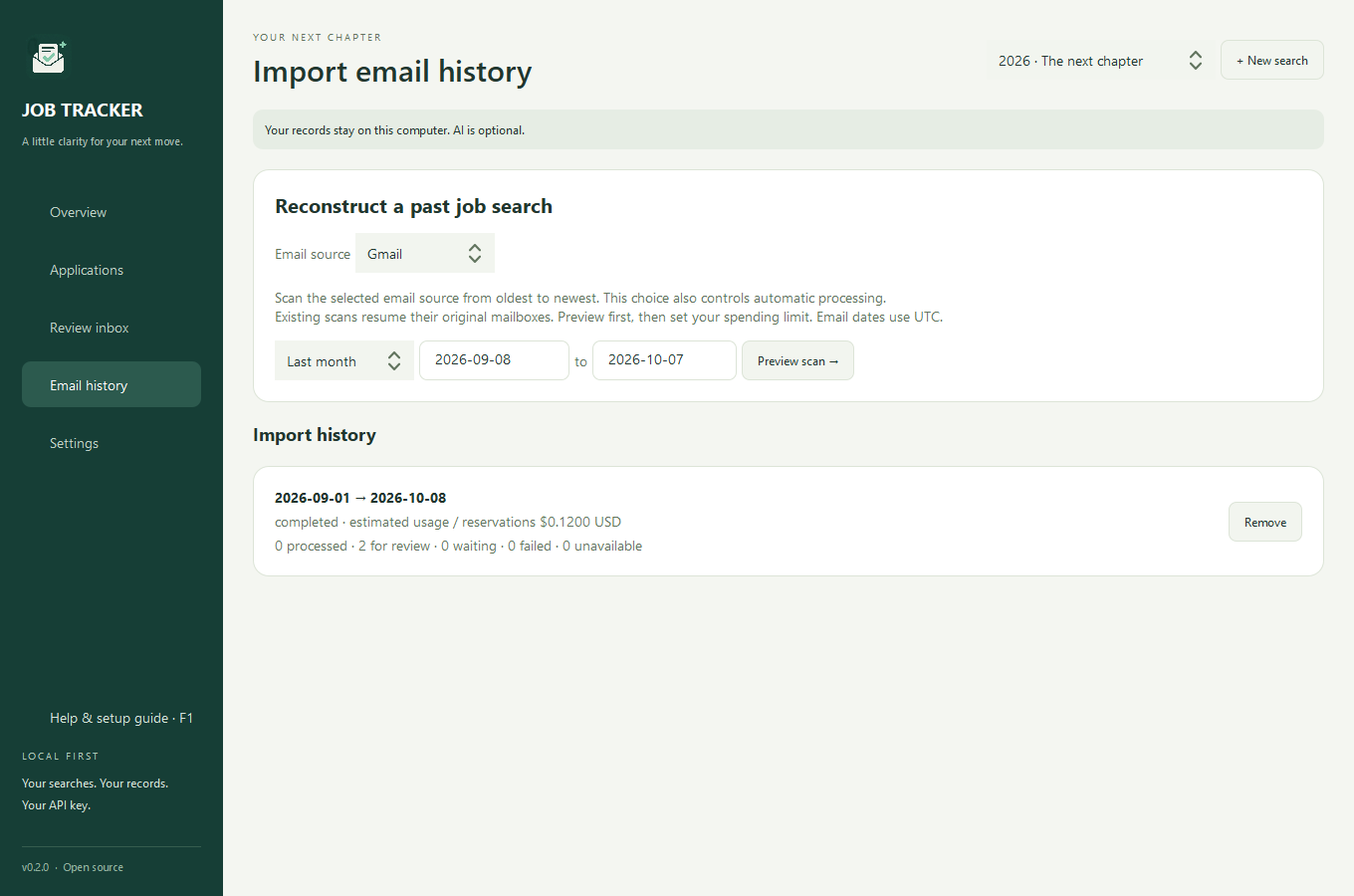
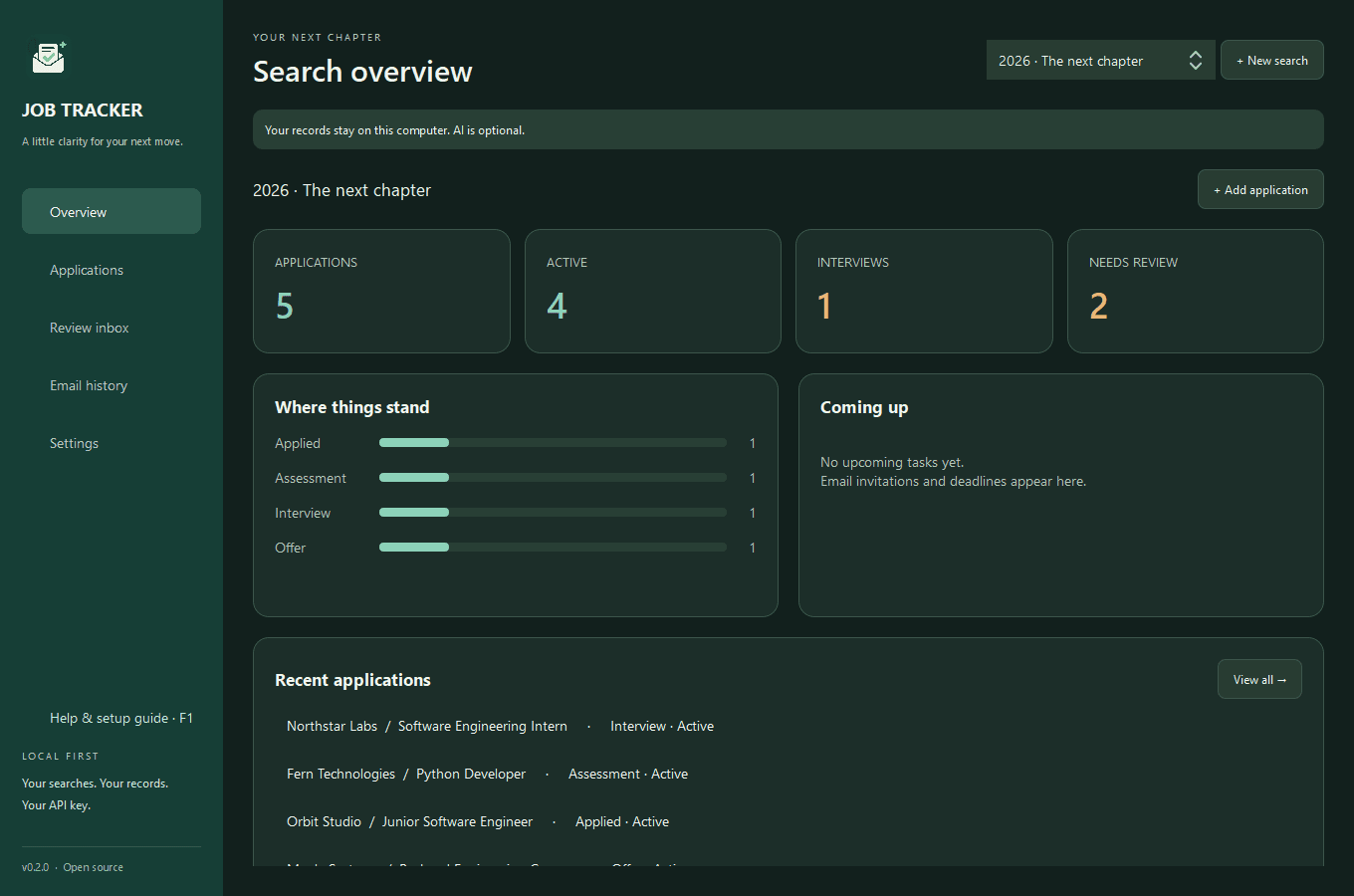
- A usable desktop release. A PySide6 app with Gmail and Outlook imports, application history, background workers, resumable scans, cached inference, and user-selected spending limits.
Why I built it this way
- Separate classification from extraction. Relevance and event type are bounded Decisions questions; extracted fields need a custom schema. Separating the tasks avoids extraction for clearly unrelated mail and makes each stage easier to inspect.
- Treat valid JSON as a starting point. A schema checks structure. Evidence checks, record matching, and chronological rules decide whether the proposed update belongs in the application history. Neither model writes to the database.
- Keep uncertainty visible. Low confidence, refusals, missing evidence, or unclear identities lead to review. Email is untrusted input; the models have no tools for following links, executing code, or modifying the mailbox.
- Reserve cost before dispatch. SQLite records spending reservations and scan progress before model calls. Completed outputs can be reused; interrupted scans resume explicitly. A billed request whose response was lost can still cost money again.
What I learned
I practiced prompt engineering, model routing, Structured Outputs, and human-in-the-loop design. The useful engineering happens after a response arrives: validating evidence, handling uncertainty, preserving corrections, and making cost and recovery understandable to the user.
Evidence & current limits
A Windows installer and portable release are available. Fixture tests cover schemas, matching, review, budgets, and recovery; they do not establish model accuracy. Users currently supply their own OpenAI key and Google or Microsoft OAuth registration. Broader email evaluation and code signing remain future work.
How I used Decisions and Structured Outputs
One Decisions request has three parts: model is gpt-6-luna; input contains the sender, subject, timestamp, and body; questions defines two named evaluations over that shared evidence.
- job_related · predicate: estimates from 0 to 1 whether the message concerns a specific application.
- event · choice: selects one of the six allowed hiring-event categories and returns confidence.
I map the returned answers by their echoed name, then read probability, choice, and confidence. Relevance below 0.1 skips extraction; refusals go to review. These thresholds are routing rules, not measured accuracy. The API also supports ordered score questions; this app uses predicates and choices.
The extraction stage needs a custom object, so GPT-5.4 mini uses Responses with a strict JSON schema, a 1,024-token output cap, and store=False. Prompts focus on the latest message, leave absent fields null, and require an exact evidence excerpt. Python checks that excerpt, explicit timestamps, identity, and event order. Neither stage uses function-calling tools.
Read the implementation walkthrough ↗ · OpenAI Decisions guide ↗
More project screens
Explore the interface. Select an image to view it at full size.