Collaborative Board
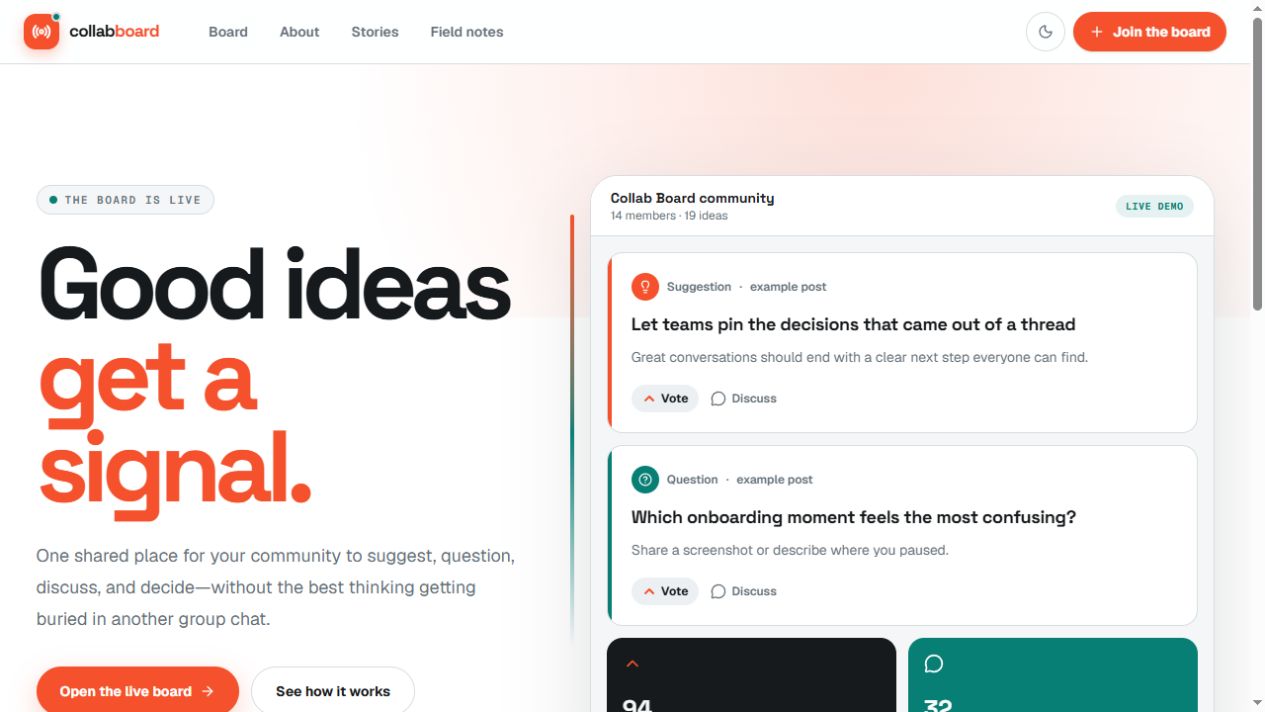
Live demoA Next.js community board with live posts, votes, and threaded discussions backed by Convex and Clerk authentication.
The problem
A shared board quickly becomes more than CRUD: several people can post, vote, and reply at once, while each action has its own identity and ownership rules. I built the application to connect those interactions to a live feed and enforce permissions at the backend.
What I built
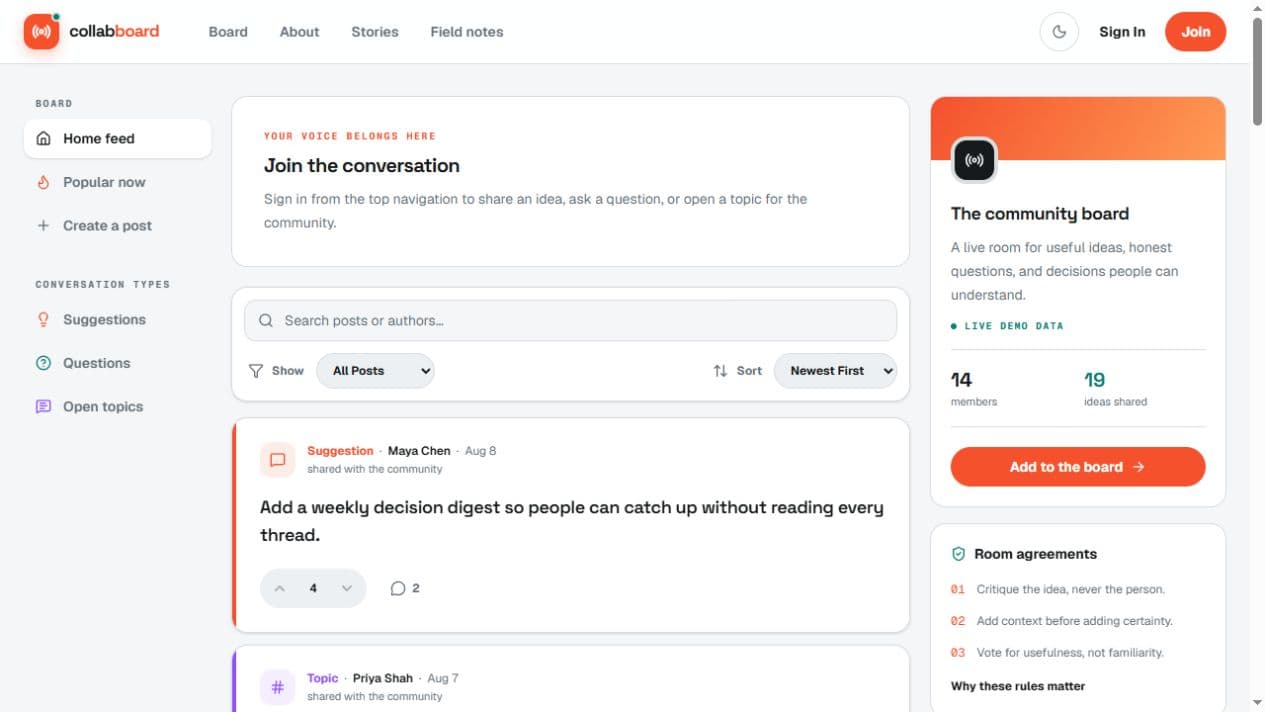
- The community workflow. A responsive Next.js interface takes visitors from the introduction to authentication, the feed, post creation, voting, and threaded comments.
- Reactive data and related records. Convex queries keep the interface synchronized with changes to posts, comments, and votes. Separate entities preserve authorship and each member's vote state.
- Authenticated changes. Clerk supplies identity; backend mutations enforce permissions and author ownership. Post deletion also cleans up related records.
Why I built it this way
- Subscribe to the shared data. Reactive queries let updates reach the feed without adding manual refresh logic to every interaction.
- Keep authorization at the write boundary. A signed-in interface is only the start. Server functions check who is changing a record and whether that user owns it.
- Represent votes as user state. Individual vote records let the application distinguish a user's current choice from the aggregate count and handle toggling or switching votes consistently.
What I learned
I practiced modeling related data, connecting authentication to server permissions, and shipping complete interactions across frontend and backend. Live updates make relationships and ownership rules visible immediately, so cleanup and per-user state need to be designed alongside the feed.
Evidence & current limits
The live demo and repository are public. Search, pagination, notification preferences, and a broader automated permissions test suite remain follow-up work. The current release demonstrates the community flow rather than large-scale usage.
More project screens
Explore the interface. Select an image to view it at full size.